
How to Create and Secure a Bitsgap Account
Create your Bitsgap account, confirm your email, secure the account with 2FA and prepare it for connecting your exchange.
Start Free Trial7-day PRO plan trial. No credit card required.
Bitsgap does not hold your trading capital — it sends trading commands to your connected exchange through the API.For security, withdrawal permissions should never be enabled for an API connection used with Bitsgap.
Open Bitsgap
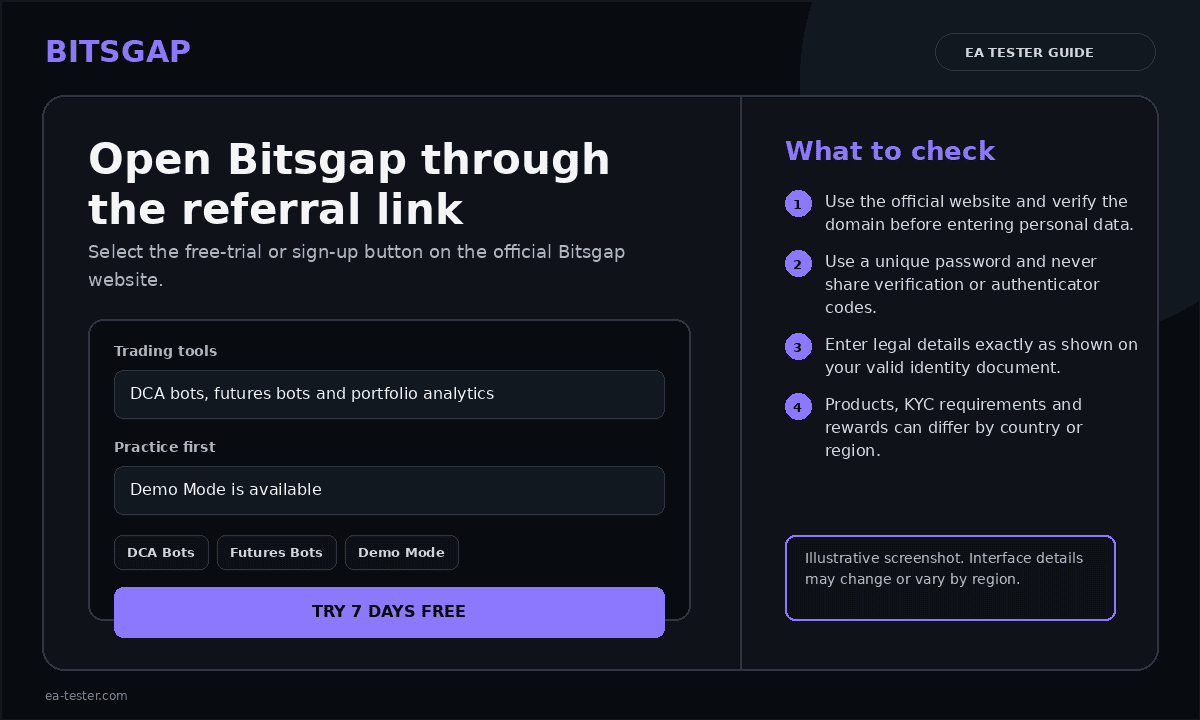
Open Bitsgap and make sure the domain is bitsgap.com before entering any account information.
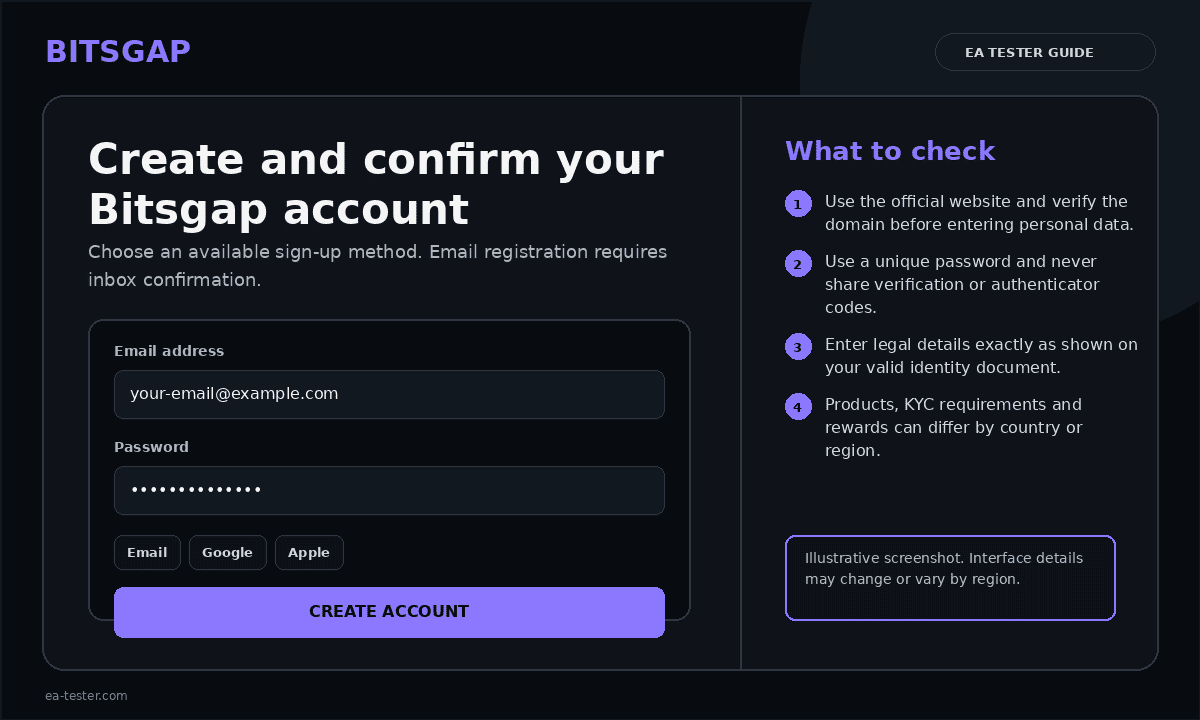
Choose a registration method
Select the sign-up method you prefer. If you register with email, use an address you control and create a unique password that you do not use on other websites.
Confirm your email address
Open the confirmation email from Bitsgap and follow the verification link. Check your spam or promotions folder if the email does not arrive within a few minutes.
Log in and review the dashboard
After confirming your account, log in and familiarize yourself with the Bitsgap dashboard. Your exchange will be connected in the next stage.
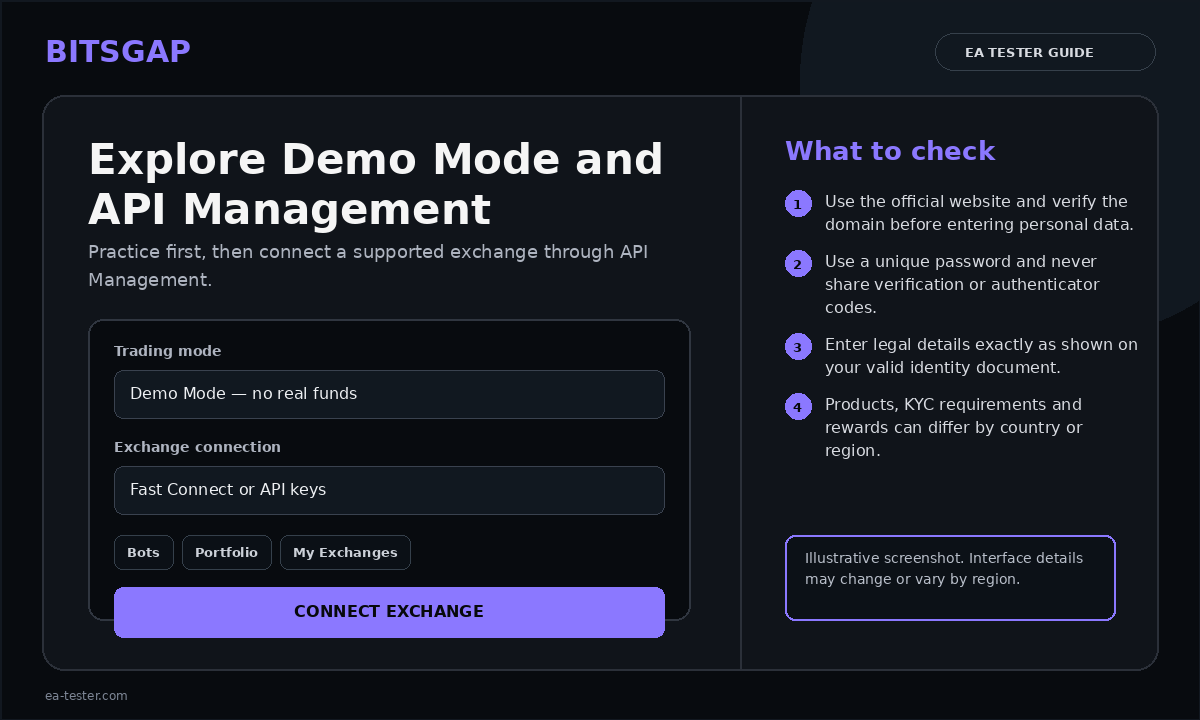
Enable two-factor authentication
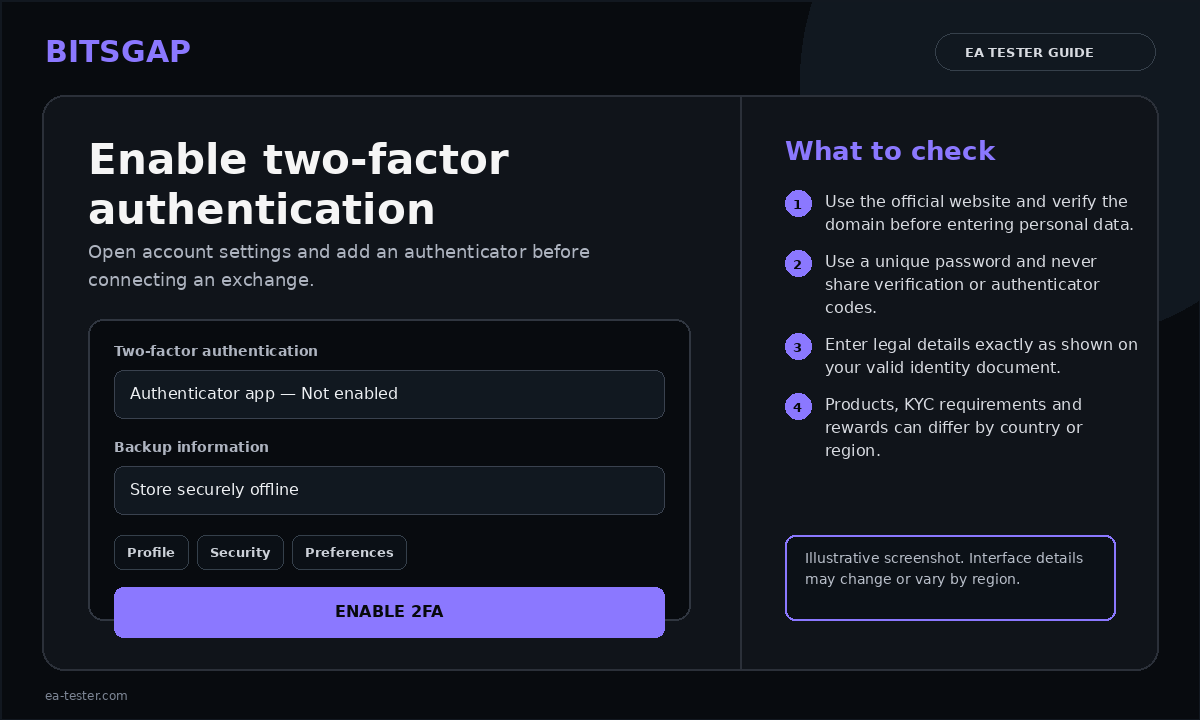
Open Settings → Security, activate the authenticator option, scan the QR code with a trusted authenticator app and enter the generated code. Store the recovery key somewhere safe and offline.
Create Your Bitsgap Account and Get Started
This official Bitsgap walkthrough shows the account setup process and how to continue with connecting an exchange.
Understand how the exchange connection works
Bitsgap connects to supported exchanges through API permissions. The exchange keeps custody of your funds while Bitsgap can read the required account information and send trading orders. Never enable withdrawal permissions for an API key used with Bitsgap.
Use the PRO trial to explore the platform
New users can start with the 7-day PRO plan trial without providing a credit card. Use the trial to become familiar with the platform before configuring the DeepShield Gold DCA System.
Official Bitsgap resources
For the current interface and security instructions, see the official account-creation guide, the Bitsgap quick-start guide and the official 2FA tutorial.