
How to Create and Verify an OKX Account
Create your OKX account, complete identity verification and secure it before depositing funds or connecting trading tools.
Create an OKX AccountOpen the OKX registration page
Open the OKX registration page and begin creating your account.
Select your real country or region of residence
Choose the country where you currently live. Residence can affect the legal entity serving you and the products available.
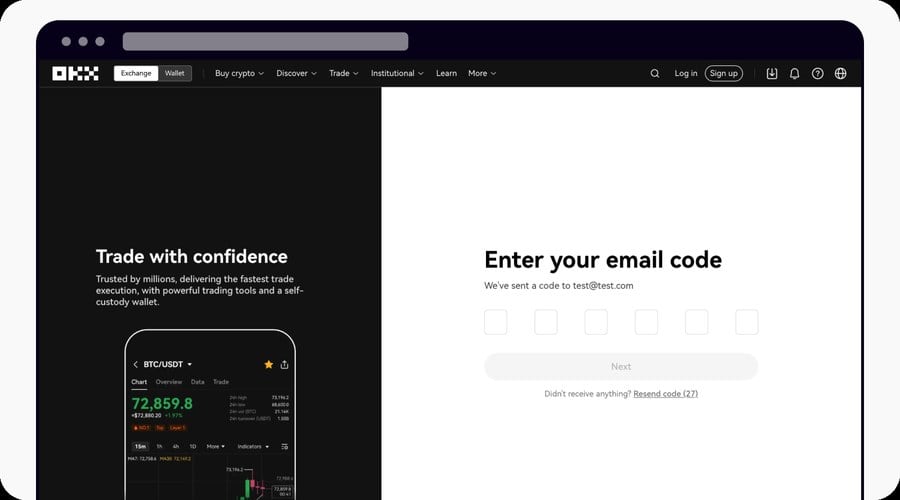
Verify your email address
- Enter your personal email address.
- Open the message from OKX.
- Enter the six-digit code before it expires.
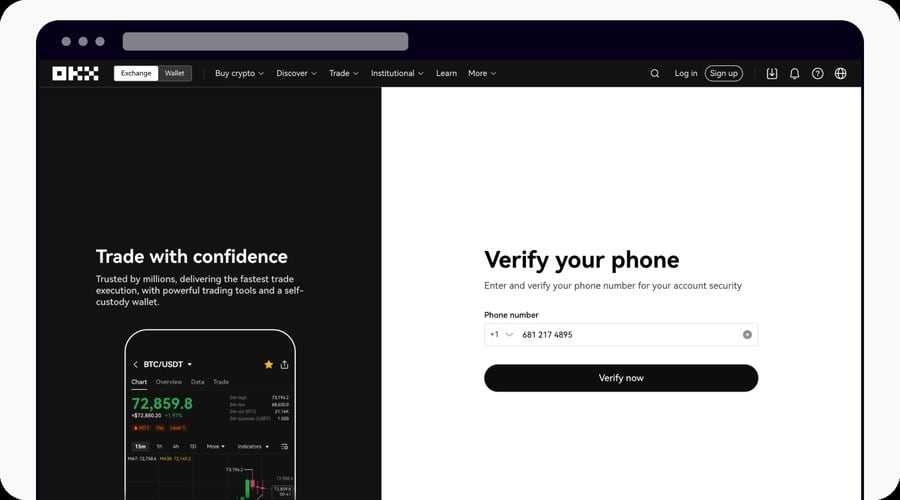
Verify your phone number
- Select the correct international country code.
- Enter your active mobile number.
- Enter the SMS code sent by OKX.
Create a strong password
Use a unique password containing upper- and lowercase letters, numbers and symbols. Never share verification codes or authenticator approvals.
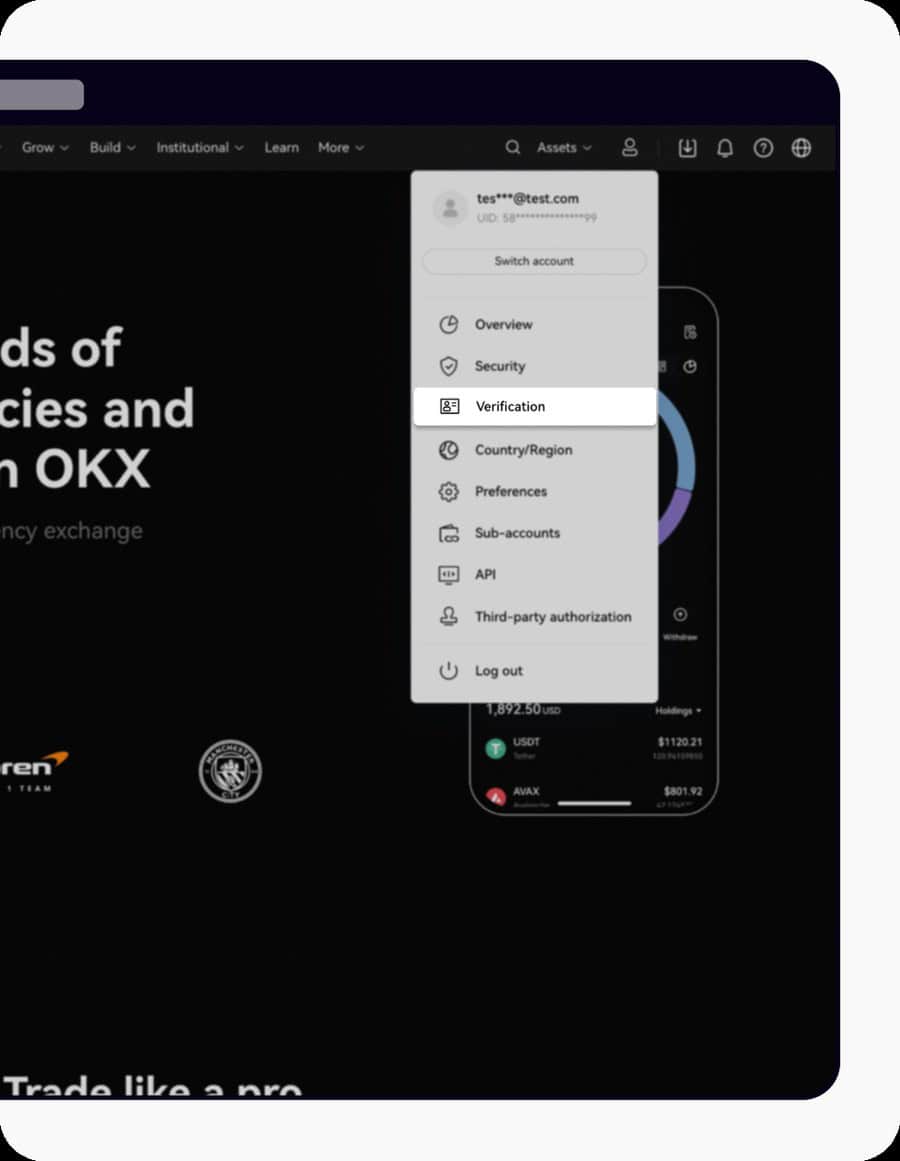
Open identity verification
On the website, open the profile menu and select Verification. Choose an individual account and continue.
Enter accurate personal information
Use your full legal name, date of birth, nationality, residence and document details exactly as shown on your valid ID.
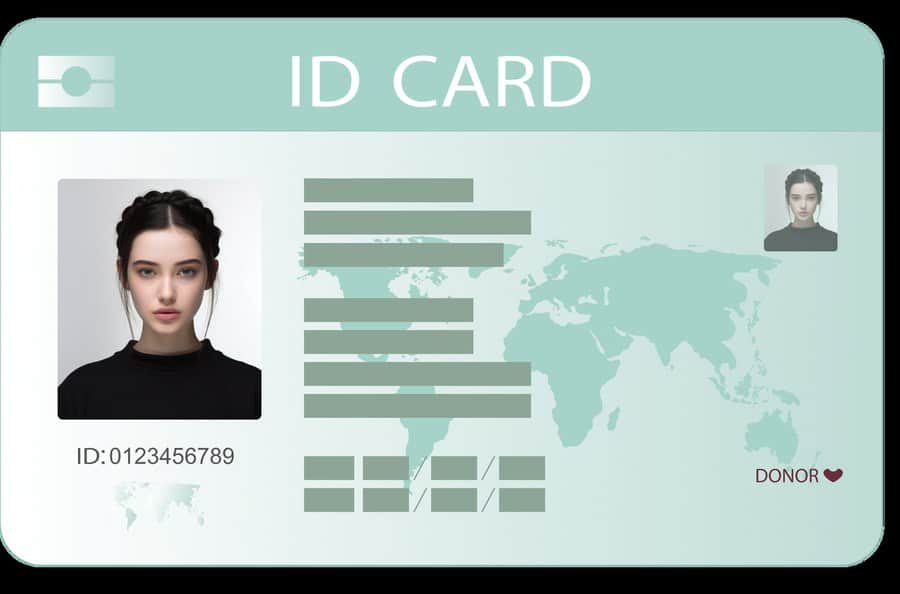
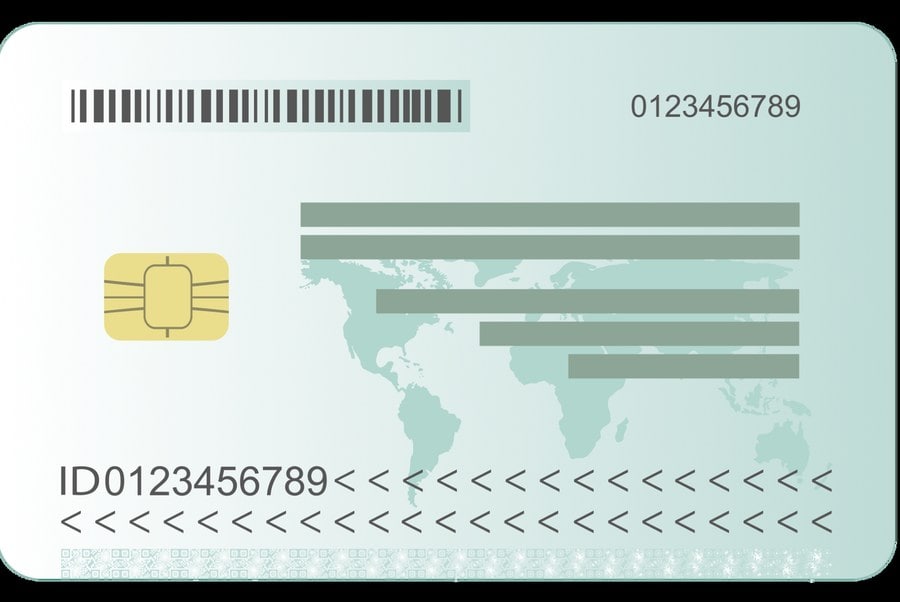
Upload the identity document
Use the original, unexpired government-issued document. Show every corner, avoid glare and make all information readable.
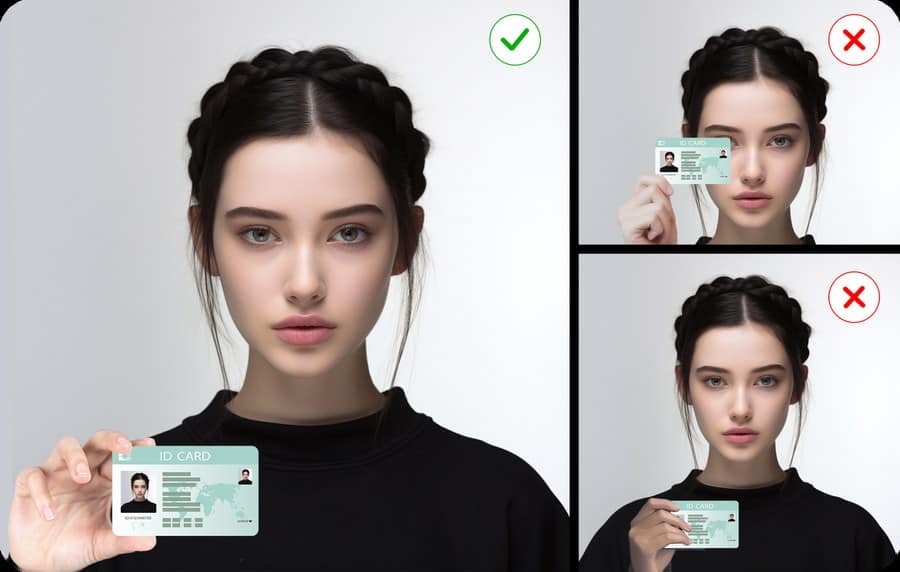
Complete facial verification
Use good lighting, keep your face inside the frame and remove hats, masks and reflective glasses.
Submit and secure the account
Review the information, submit the verification and wait for the result. Before depositing, enable an authenticator or passkey and review logged-in devices.